Self-Register and Activate Your Hotlink eSIM/SIM, Anytime.
via Hotlink App
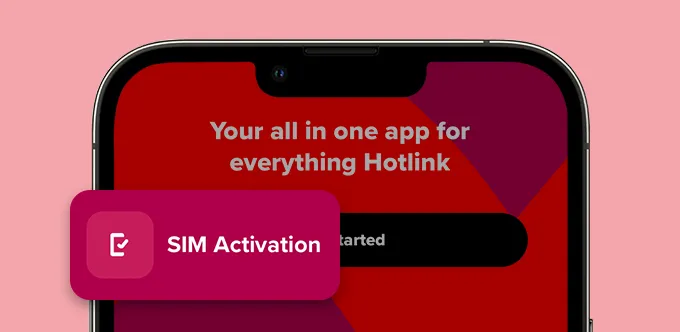
Step 1
Download the Hotlink app and tap on ‘SIM Activation’.
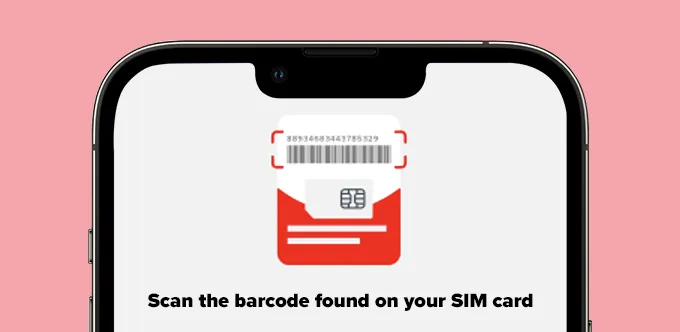
Step 2
Scan the barcode on your SIM card.
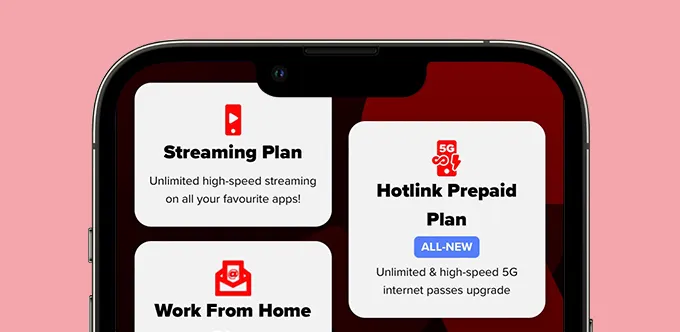
Step 3
Pick your Prepaid plan.
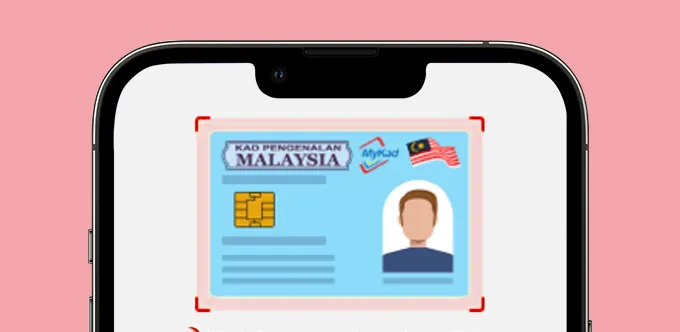
Step 4
Scan your ID (MyKad, Passport, MyTentera, MyPR, MyKAS) and complete the Face ID.
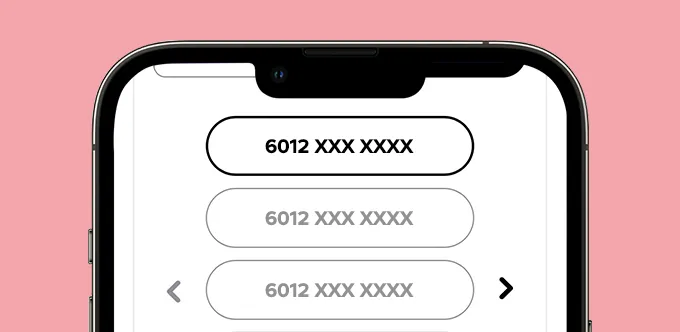
Step 5
Choose your mobile number.
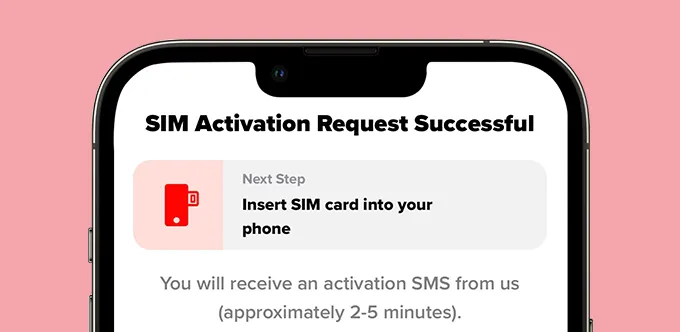
Step 6
You’ve successfully registered! Insert your SIM card to complete activation.
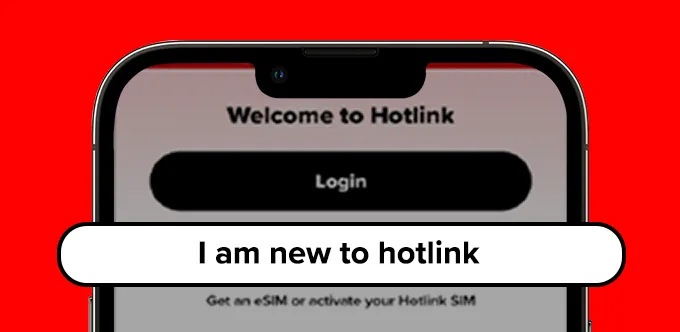
Step 1
Download the Hotlink app and tap on “I am new to Hotlink”.
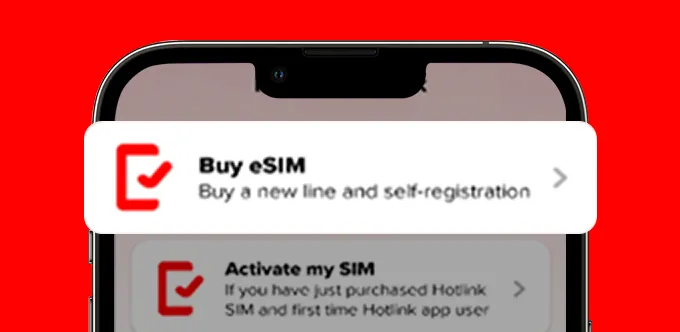
Step 2
Select buy eSIM.
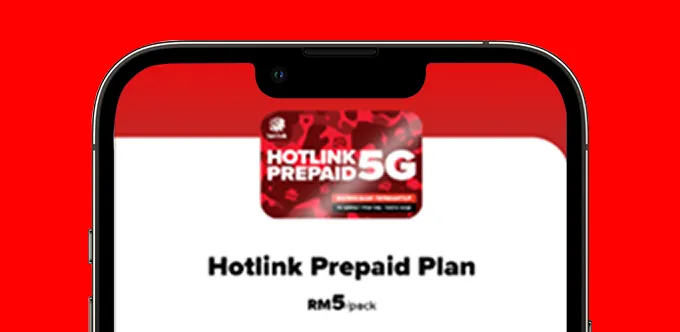
Step 3
Pick your Prepaid plan.
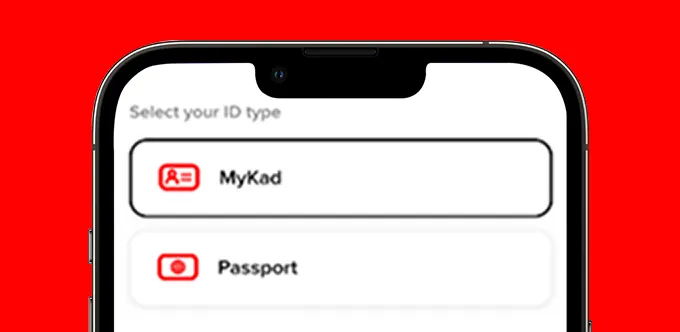
Step 4
Scan your ID (MyKad, Passport, MyTentera, MyPR, MyKAS) and complete the Face ID.
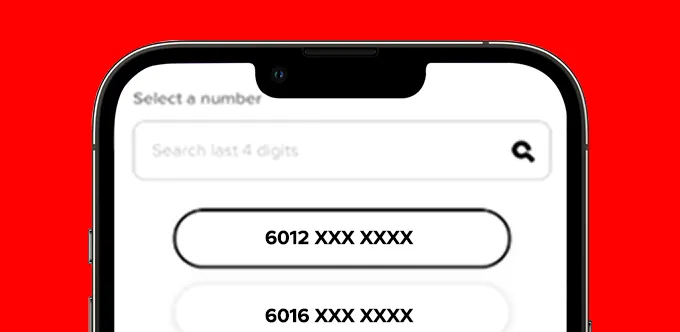
Step 5
Choose your mobile number.
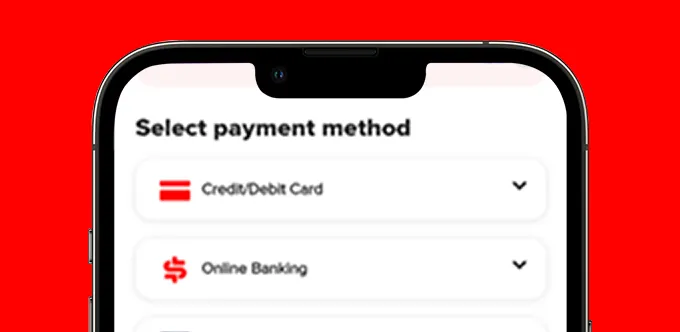
Step 6
Select payment method. Support bank transfer, card payment and eWallet.
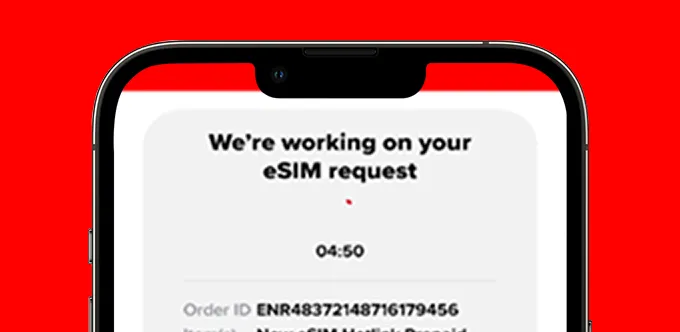
Step 7
Wait for eSIM readiness (within 5 mins waiting time).
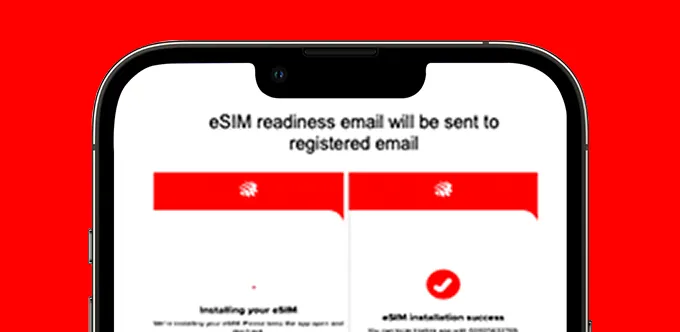
Step 8
eSIM is ready for install to your device. You’ve successfully registered!



Simply follow the steps in the video below to activate your SIM!

Step 1
Download the Hotlink app and tap on ‘SIM Activation’.
Step 2
Scan the barcode on your SIM card.
Step 3
Scan your ID (MyKad, Passport, MyTentera, MyPR, MyKAS) and complete the Face ID.
Step 4
You’ve successfully registered! Insert your SIM card to complete activation.
Hotlink Prepaid Self-Registration is a self-verification service that allows users to choose their preferred number. Users will also be able to choose from various rate plans suitable for their preferences and needs.
Yes, most Malaysian telcos allow non-citizens to register a prepaid SIM using a passport instead of a MyKad. With Hotlink, non-Malaysians can self-register using their passport through the Hotlink app.
Yes, several telcos now support eSIM activation entirely through their app, without needing a physical card. With Hotlink, you can buy and activate a Prepaid eSIM directly in the Hotlink app, with activation typically ready within 5 minutes.
Activation time varies by telco and SIM type, but many now offer near-instant activation through self-registration apps. With Hotlink, physical SIM registration completes in a few app steps, while eSIM activation is typically ready within 5 minutes.