Sign up for Postpaid with eSIM now
Get Postpaid eSIM and enjoy TNG credits
No more physical SIM. Sign up and get TNG credits worth RM35!
Set up digitally, skip the physical SIM, and take full control of how you stay connected—all from your device.

Receive RM35 Touch 'n Go eWallet Credit when you sign up for a new Hotlink Postpaid Plan with eSIM. Click here to explore plans.

Switch to multiple mobile lines with Hotlink eSIM! Perfect for multiple lines or frequent travels. Click here for Hotlink prepaid roaming rate.

Register and activate your Hotlink Prepaid eSIM, or activate your Hotlink Postpaid eSIM via the Hotlink app. Click here to download the Hotlink App.

Sign up for a new Hotlink Prepaid eSIM and pick your favourite number. No extra charge for Hotlink prepaid roaming rate registration.

Take full control of your line with built-in eSIM security. Change, reset, or manage it anytime, anywhere.
Receive RM35 Touch 'n Go eWallet Credit when you sign up for a new Hotlink Postpaid Plan with eSIM.
If your phone comes with eSIM, here are the option to activate a new Hotlink Prepaid line with eSIM:-
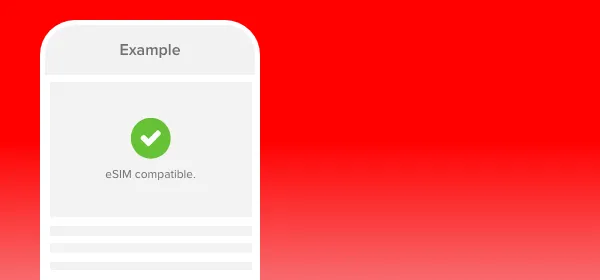
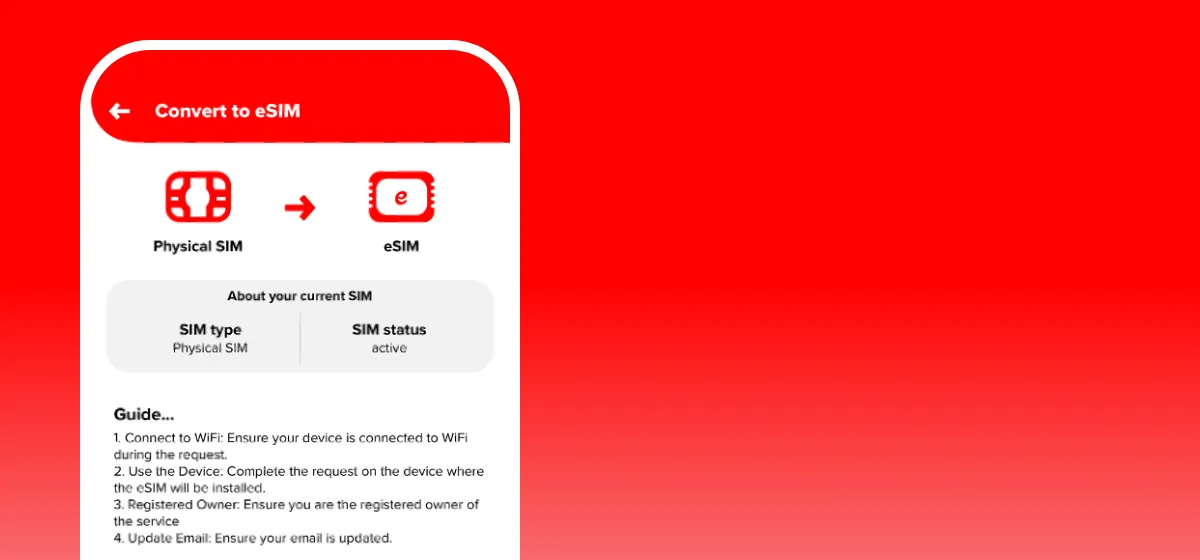
Yes, you can convert your physical SIM to an eSIM via the Hotlink app. Before you start, ensure your device is eSIM compatible.
Follow these steps in the Hotlink app:
No worries! Here’s how to restore your eSIM:
If you have your original eSIM activation kit:
➔ Re-scan the QR code on the card to reinstall your profile instantly.
If you’ve lost the kit:
➔ Visit any Maxis Centre for assistance. A replacement eSIM may incur standard SIM replacement charges.
For any new Hotlink Postpaid registration, eSIM is available at all Maxis Centres, Maxis Exclusive Partners and Hotlink Online Store. For existing Hotlink Postpaid users, you may convert to eSIM via Hotlink app.
Maxis Centre and Maxis Exclusive Partners
The eSIM needs to be activated via an eSIM enabled device supported by Maxis. You may refer to the list of supported devices here. An eSIM activation kit will be provided upon request. Within the activation kit, you will find an activation card which contains a QR code needed for the set-up.
Hotlink Online Store
Select eSIM as your sim type during plan sign-up at Hotlink Online Store. You will then receive an email with the eSIM activation steps. Follow the steps to activate your eSIM on your device.
Yes, you can convert your physical SIM to an eSIM via the Hotlink app. Before you start, ensure your device is eSIM compatible and your line is active (not suspended or barred).
Follow these steps in the Hotlink app:
Go to ‘myHotlink’ and select ‘eSIM Manager’.
Follow the on-screen guide, confirm your email address, and tap on ‘Convert to eSIM’.